
How to build a founder financial dashboard: start with purpose
Financial dashboards must be built around decisions, not bookkeeping accuracy. Defining the dashboard’s purpose comes before choosing any metric or tool. That sequence matters because founders who skip it end up with 40 rows of data and no clear signal.

Start by asking who uses this dashboard and what decision it supports. A solo founder reviewing weekly cash position needs a different view than a founding team preparing for a board meeting. The decision context shapes everything that follows.
The core financial metrics for founders fall into four categories:
- Cash balance: Your current bank position, updated at minimum weekly
- Runway: Months of operation remaining at the current burn rate
- Burn rate: Both gross burn (total cash out) and net burn (cash out minus cash in)
- Profitability view: Gross margin and contribution margin by product or channel
Avoid tracking metrics that do not change your decisions. Accounts receivable aging matters to an enterprise SaaS company. For a direct-to-consumer brand doing $2 million in revenue, it rarely drives a weekly call to action. Cutting low-impact metrics keeps the dashboard readable and the review cadence short.
Commerce Catalyst works with founders who often discover they have been tracking the wrong numbers entirely. Understanding your financial blind spots is the fastest way to identify which metrics actually belong on your dashboard.
What tools and data sources should you use?
The tool choice for a startup financial tracking dashboard depends on your data volume, technical resources, and how often you need the numbers refreshed. Each option carries real trade-offs.
| Tool type | Best for | Limitation |
|---|---|---|
| Google Sheets or Excel | Early-stage, manual entry | Breaks down at scale, error-prone |
| QuickBooks dashboards | Accounting-connected views | Limited customization |
| Looker Studio or Power BI | Multi-source, visual reporting | Requires setup time and data skills |
| Custom build (React, etc.) | Full control over design | High maintenance cost |
For founders connecting directly to accounting data, QuickBooks Reports API supports key financial reports but requires careful handling of multidimensional data. The API works well for pulling profit and loss statements, balance sheets, and cash flow reports into a custom dashboard. The catch is that broad API requests create performance bottlenecks and incomplete data pulls.
Limiting requests to precise columns and using date-chunking reduces errors and keeps the data pipeline clean. That means querying one date range at a time rather than pulling a full year in a single call.
Data quality is the silent killer of founder dashboards. A dashboard built on unreconciled transactions gives you false confidence. Reconcile your books before connecting any tool to your reporting layer.
- Reconcile accounts weekly before any automated pull
- Use a staging environment to test new API connections
- Document every metric definition so the numbers mean the same thing to everyone who reads them
Pro Tip: Validate QuickBooks API integrations using the testing_migration query parameter before any required transition date. Silent metric shifts are the hardest dashboard bugs to catch.
How do you construct and automate the dashboard step by step?
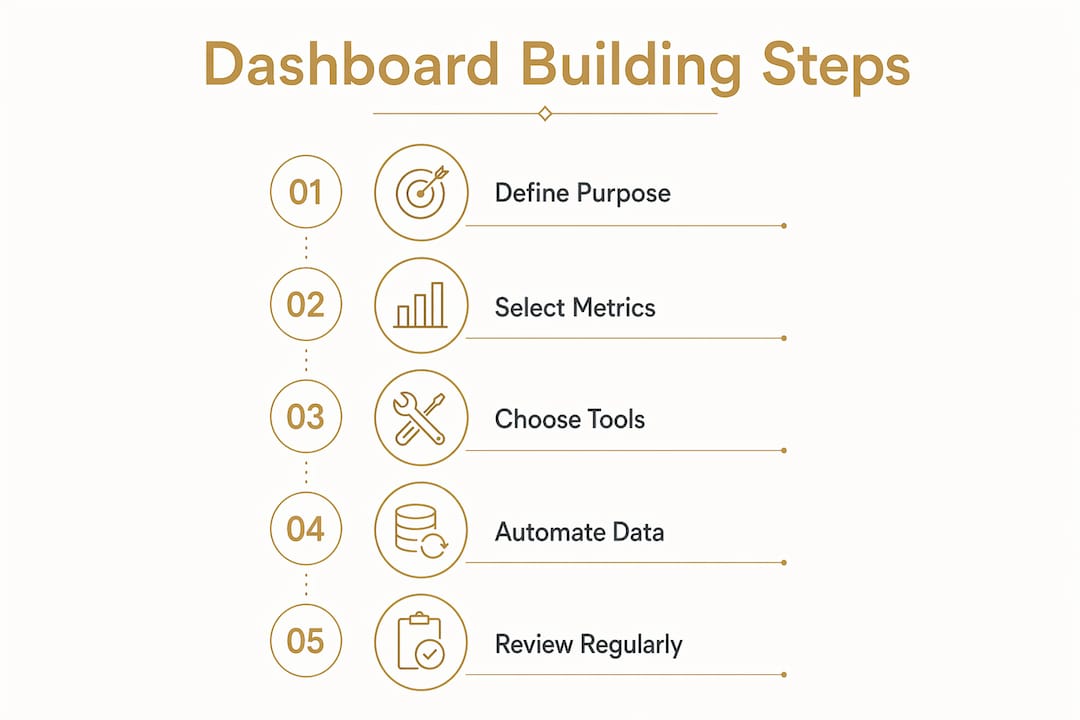
Building the actual dashboard follows a clear sequence. Skipping steps creates a tool that looks good but breaks under real use.
-
Map your data sources. List every system that holds financial data: your bank, your accounting software, your payment processor (Stripe, Shopify Payments, etc.). Know where each metric originates before writing a single formula.
-
Build the runway calculation correctly. Runway in months equals cash balance divided by monthly net burn rate, using a 3-month trailing average to smooth out one-time spikes. A single month of high spend, like a trade show or a large inventory order, can distort a simple calculation. The trailing average gives a more honest signal.
-
Show both burn metrics. Gross burn shows worst-case spending, while net burn drives the timing signal founders and investors rely on. Display both on the same row so the gap between them is visible at a glance.
-
Add scenario modeling. A static runway number tells you where you stand today. Scenario modeling with multiple assumptions (current burn, plus 10% cost creep, minus 10% cuts, minus 25% restructure) tells you how sensitive your runway is to real decisions like a new hire or a price increase. Build at least three scenarios into the dashboard from day one.
-
Automate data refreshes. Set scheduled pulls from your accounting software or bank feeds. Daily refreshes work for cash balance. Weekly refreshes are sufficient for burn and margin metrics. Monthly is the right cadence for profitability views.
| Metric | Refresh cadence | Calculation method |
|---|---|---|
| Cash balance | Daily | Direct bank feed |
| Net burn rate | Weekly | 3-month trailing average |
| Gross margin | Monthly | Revenue minus COGS |
| Runway | Weekly | Cash balance / net burn |
| Contribution margin | Monthly | Gross margin minus variable costs |
Pro Tip: Build your scenario model as a separate tab that feeds into the main dashboard view. Founders who mix scenario inputs with live data end up overwriting real numbers by accident.
Aligning your metrics with a clear founder decision framework makes the difference between a dashboard you check and one you actually use.
What mistakes do founders make with financial dashboards?
The most common mistake is trying to track everything. A dashboard with 60 metrics is not more useful than one with 10. It is less useful because the signal disappears into the noise.
“A dashboard that requires 20 minutes to interpret is not a dashboard. It is a report. The goal is a 5-minute weekly review that surfaces the one or two numbers that need attention.”
The second mistake is ignoring data quality. Founders often build a beautiful front end on top of unreconciled books. The numbers look authoritative but are wrong. Every metric on the dashboard should trace back to a reconciled source.
The third mistake is treating the dashboard as a finished product. Your business changes. A dashboard built for a $500,000 revenue stage will not serve you at $3 million. Set a quarterly review of the dashboard itself, separate from the weekly metric review. Ask whether the metrics still reflect the decisions you are making.
Common mistakes to avoid:
- Adding metrics because they sound impressive, not because they drive decisions
- Skipping documentation of how each metric is calculated
- Failing to assign one person as the owner of dashboard accuracy
- Never running scenario models until a crisis forces the question
Accountability in your review routine is what separates founders who use their dashboards from founders who built one and forgot about it.
Key Takeaways
A founder financial dashboard works only when it is built around decisions, not data volume, with clean sources, automated refreshes, and scenario modeling built in from the start.
| Point | Details |
|---|---|
| Purpose before metrics | Define the decision the dashboard supports before selecting any metric or tool. |
| Core metrics only | Track cash balance, runway, gross burn, net burn, and contribution margin as your baseline. |
| Runway calculation | Divide cash balance by 3-month trailing average net burn for an accurate runway figure. |
| Scenario modeling | Model at least three burn scenarios to understand how decisions affect runway. |
| Iterate the dashboard | Review the dashboard structure quarterly and update metrics as the business evolves. |
The dashboard is a habit, not a deliverable
The founders who get the most value from their dashboards treat them like a weekly ritual, not a one-time project. They open it every Monday, spend five minutes on the numbers, and make one decision or confirm that no decision is needed. That discipline is worth more than any feature the dashboard has.
Finally, treat the dashboard as a living tool. The metrics that matter at $1 million in revenue are not the same ones that matter at $5 million. Build in a quarterly review of the dashboard itself. Ask whether it still reflects the decisions you are actually making. If it does not, change it. A dashboard that no longer fits your stage is worse than no dashboard at all because it gives you false confidence.
Financial clarity for founders who are ready to act
Commerce Catalyst works directly with consumer brand founders who need more than a spreadsheet. Chris Wichert brings hands-on experience as a brand founder to every engagement, which means the financial frameworks he builds are grounded in the real pressures of scaling a product business.
If you are ready to move from guesswork to clarity, the DTC Financial Health Assessment gives you a structured starting point. For founders who need ongoing support building and maintaining their financial reporting layer, the fractional CFO service covers dashboard setup, metric selection, and monthly review. Both services are built for founders who want financial visibility that actually drives decisions.
FAQ
What metrics belong on a founder financial dashboard?
The core metrics are cash balance, runway, gross burn, net burn, gross margin, and contribution margin. Start with these before adding anything else.
How do you calculate startup runway correctly?
Runway equals cash balance divided by monthly net burn, using a 3-month trailing average to smooth out one-time spending spikes.
What is the difference between gross burn and net burn?
Gross burn is total cash spent each month. Net burn subtracts cash inflows from outflows. Both metrics belong on the dashboard because they answer different questions about financial health.
How often should founders review their financial dashboard?
Cash balance warrants a daily check. Burn rate and runway fit a weekly review. Profitability and margin metrics are best reviewed monthly alongside your full financial picture.
What tool is best for a startup financial tracking dashboard?
Google Sheets works for early-stage founders with simple data needs. QuickBooks connected to Looker Studio covers most growing brands. Custom builds make sense only when off-the-shelf tools cannot handle your data structure.